· Sombra Team · Product · 3 min read
How Sombra Works: A Quick Walkthrough
A step-by-step look at what actually happens when your bedtime hits, from the warning to earning your way back in.
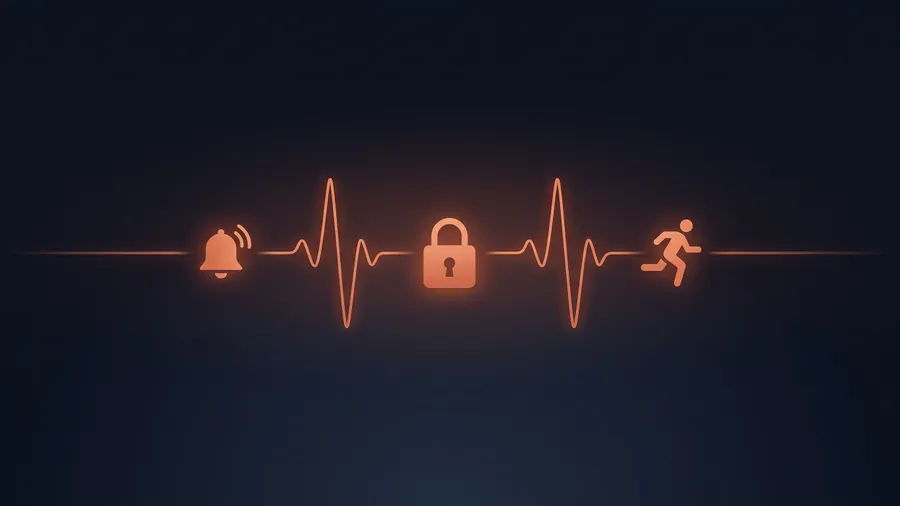
If you’re wondering what actually happens when you open Sombra for the first time, here’s the short version: set a bedtime, get warned when it hits, and pay a real cost if you ignore it. Here’s each step in more detail.
Step 1: Pick your bedtime and your apps
Set the time you actually want to be done with your phone. Not the time you wish you stopped, the time you’ll realistically commit to. You can set separate bedtimes for weekdays and weekends, since an 11pm cutoff on a Tuesday and a Saturday are rarely the same goal.
Then choose the apps that keep you scrolling past it. Most people start with one or two: usually whichever app they open without thinking about it. You can always add more later, once the first one or two are actually under control.
Step 2: We warn you, automatically
No willpower required. Once your bedtime hits, Sombra warns you and starts tracking the apps you picked, every night, from the moment you turn it on. No daily setup, nothing to remember, no timer to reset before you go to bed.
Importantly, the warning isn’t a block. You’ll still see it, and you’re still free to keep scrolling if you decide to. We’re not trying to grab the phone out of your hand at 11pm; we’re trying to make sure future-you gets to weigh in.
Step 3: Break it, and you owe a challenge
Keep scrolling past your bedtime and Sombra keeps track of exactly how long. The next day, a walk, run, or workout is the price of staying unlocked, sized to how far past your bedtime you went: ten extra minutes costs less than an extra hour. Skip the challenge, and the apps stay locked until you complete it. There’s no way to pay it off with anything other than actually doing it, and no in-app purchase that makes it go away.
Step 4: Complete the challenge, get verified, move on
Challenges are verified through Apple Health, not self-reported, so a challenge only clears once you’ve actually done it. Once it’s done, your apps unlock immediately and your streak picks back up. Sombra doesn’t hold a grudge past the challenge being complete.
What counts as a workout
The challenge is scaled to how long you stayed up, not a one-size-fits-all workout. A few extra minutes past bedtime might only cost a short walk; a couple of hours might mean a real run or a full workout. The goal isn’t to make every broken bedtime brutal, it’s to make the cost proportional and impossible to ignore.
What if I need an app in a real emergency?
You can still get to a locked app if you genuinely need to. It’s deliberately not instant, because that friction is most of the point, but it’s there. This isn’t a system designed to strand you.
Why it’s built this way
We designed the challenge cost to be real but not punishing, because the goal isn’t to lock anyone out of their own phone. It’s to make the 11pm version of you answer to the version of you that set the bedtime in the first place. A short walk is enough friction to make you think twice; it’s not enough to make the app feel hostile.
Try it yourself
Sombra is live on the App Store today. Download it for free and set your first bedtime in under a minute.